Admin interface
There are 3 main areas on a WordPress Dashboard
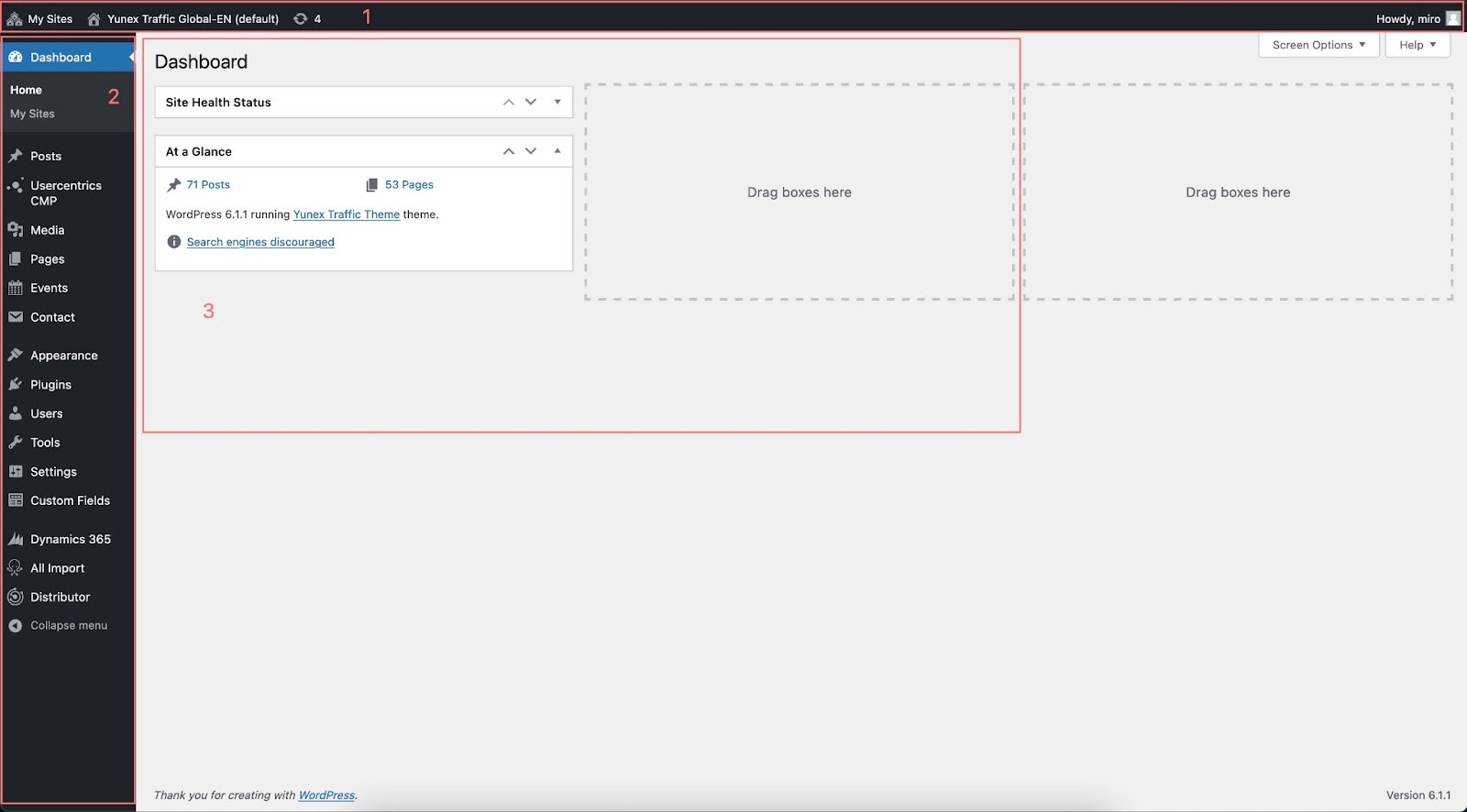
Admin Bar (Toolbar)
Contains list of managed sites and user information
Admin Menu
- Dashboard
- The Dashboard is the “control center” for your WordPress site. From here you can manage every part of your WordPress site.
- Posts
- This is where you can create new articles for the newsroom. You can also update your Categories and Post Tags.
- Media
- This is where all the uploaded images, documents or files are stored. You can browse through your Media library, as well as edit and update the files.
- Pages
- This is where you can create and edit pages like “about us”, “contact us”, portfolio etc…
- Events
- Here you can create and manage events that will show up on the Fairs & Events page