Distributing content between sites
Push content to other sites
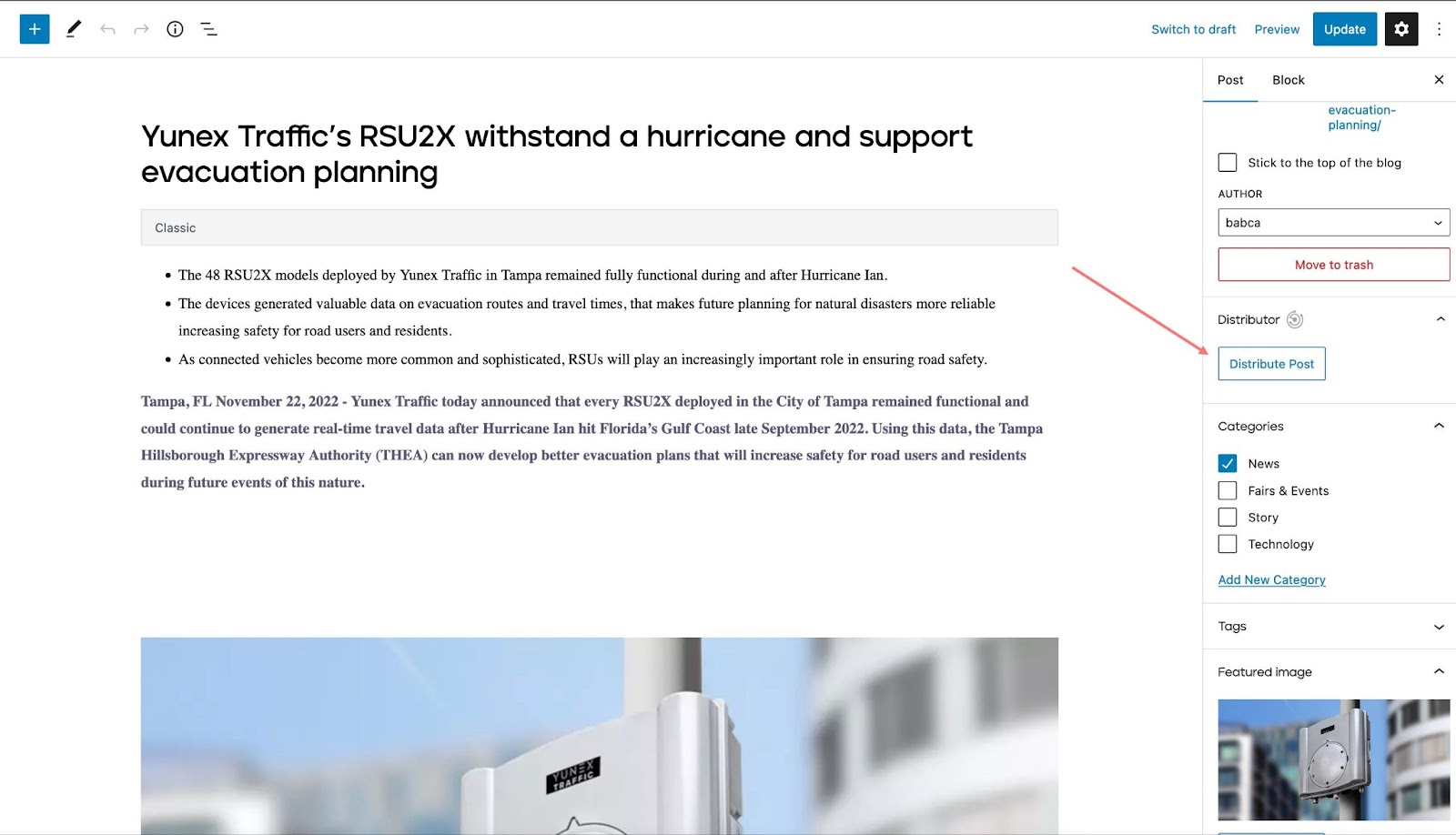
Distribute function can be used to push content like news, or pages to the sites on the network. When you open an existing post (news, event, page), a Distribute post button will appear in the right sidebar of the block editor. You can select where to distribute the post and decide if you want to publish it right away, or distribute it as a non-public draft.
Example: add an event on UK site and distribute it to Global site
Another way to push the content to other sites is to use the top menu bar, shown in the video.
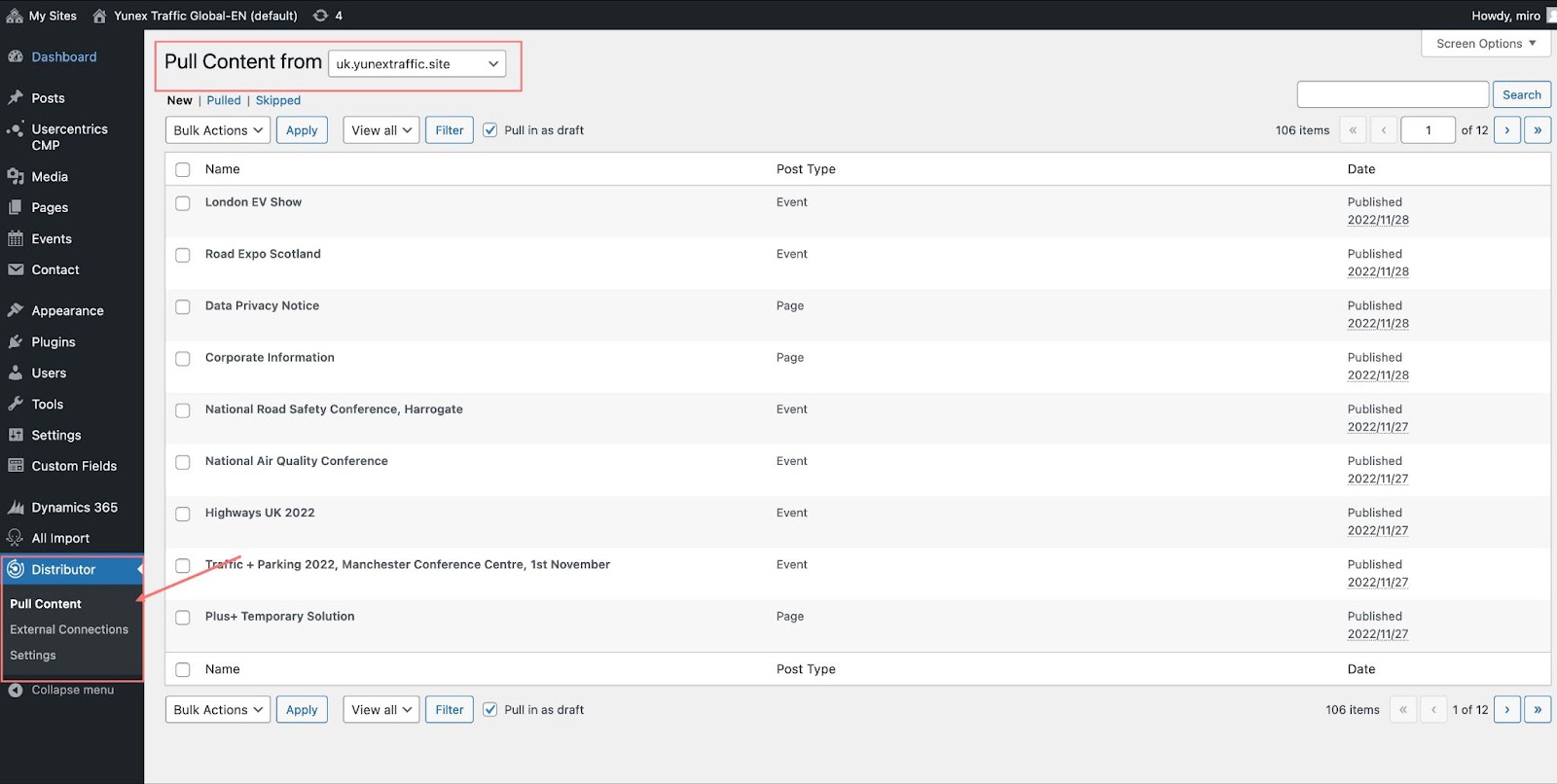
Pull content from the other sites
Distribute function can be also used to pull the content from the sites on the network.