Editor
All content types - newsroom posts, pages, and events use the same kind of block-based editor.
Editor layout
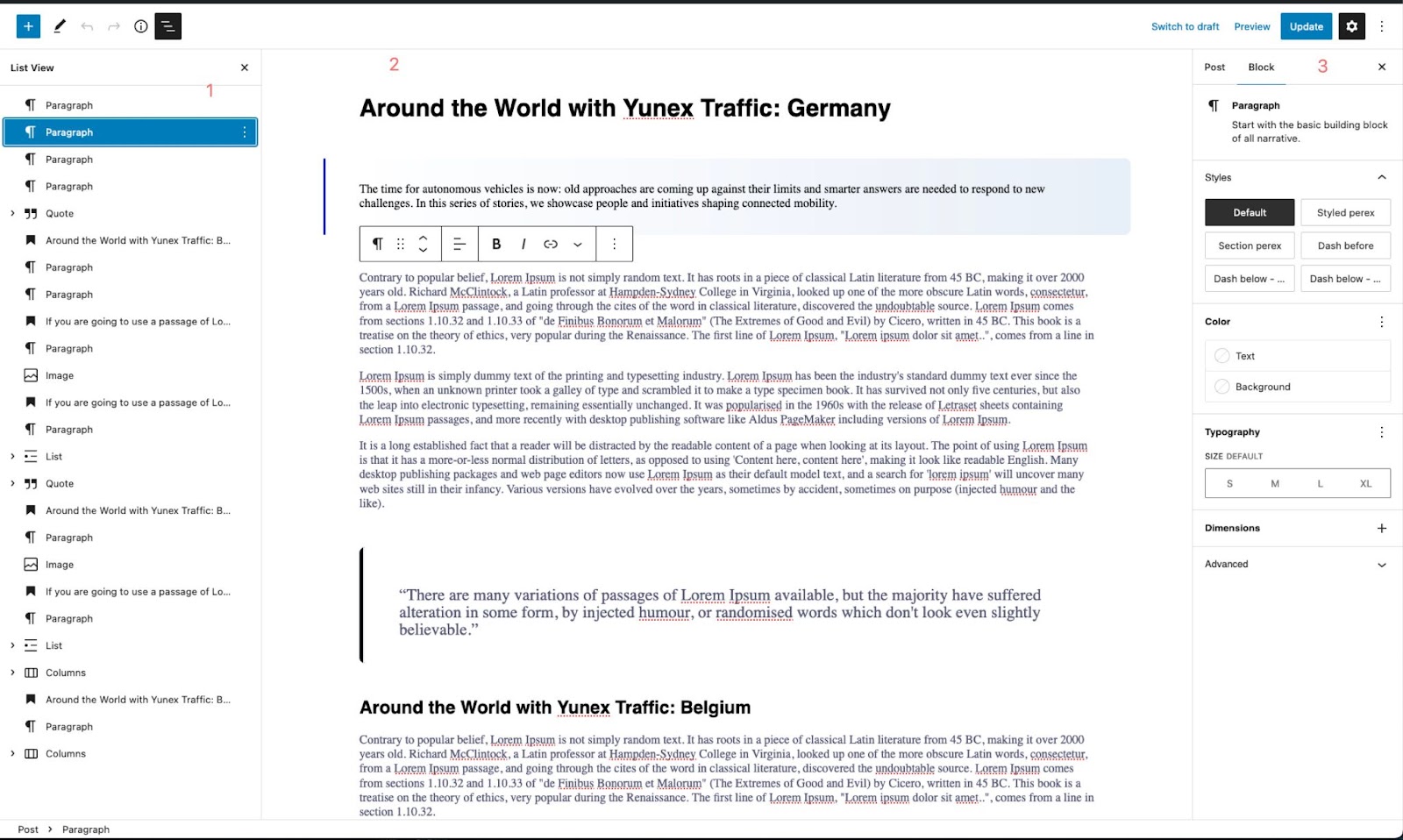
Wordpress editor consists of 3 main parts
- List of blocks
"outline" of the page, can be used to quickly jump between blocks or rearranging them - Main content part
you will write content and insert images here - Block and Page settings
page, and each block on the page can have settings, those will appear here
Blocks
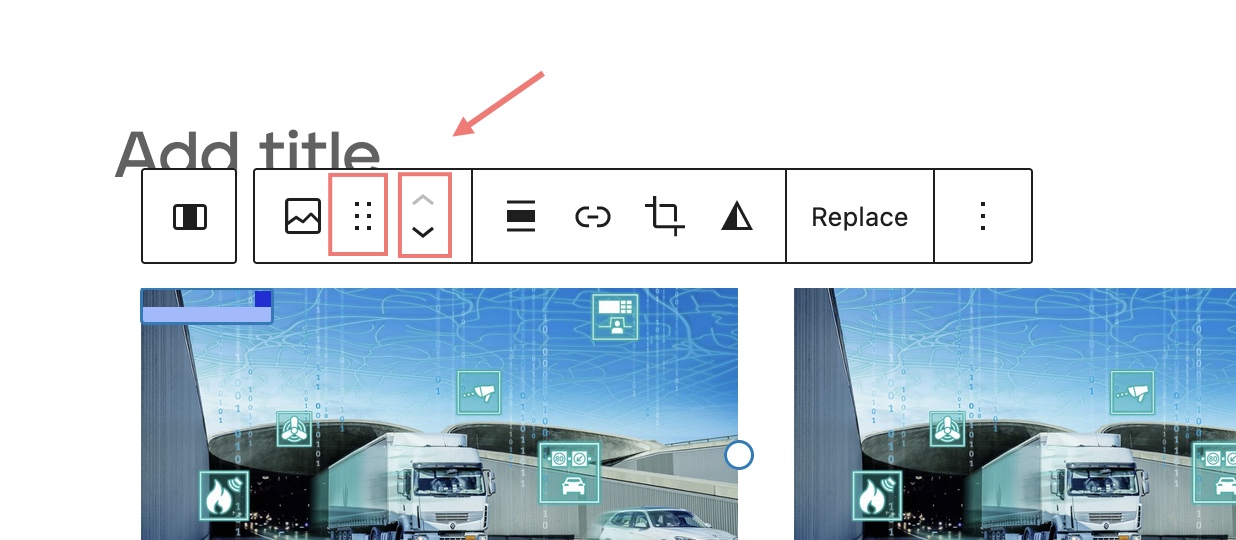
Blocks are elements that are used to create content and layout - they can range from simple paragraphs or heading, to more complex, as a slider. Each Block can have its own settings (some predefined styles for example). These settings will appear in the right panel. Blocks can be moved (drag&drop) or using arrows
Patterns
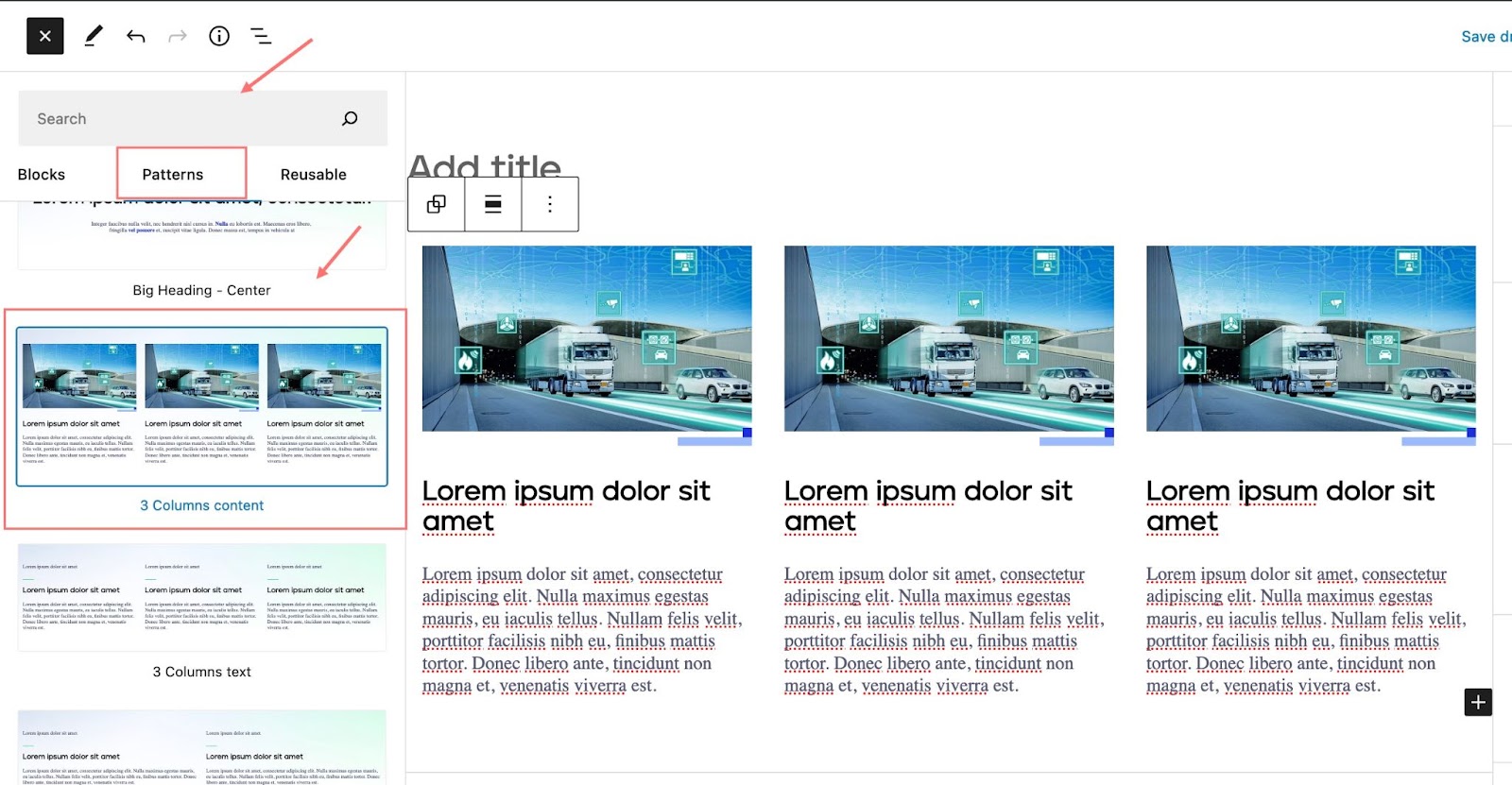
Building the whole page only from individual blocks would be time consuming, so we have prepared a few so-called “Patterns”. These are collections of blocks with predefined layout. Let’s say, you want to create 3 columns, each with image, title and some text content - you have such a layout already prepared and available on 1 click - you will only need to replace dummy text.
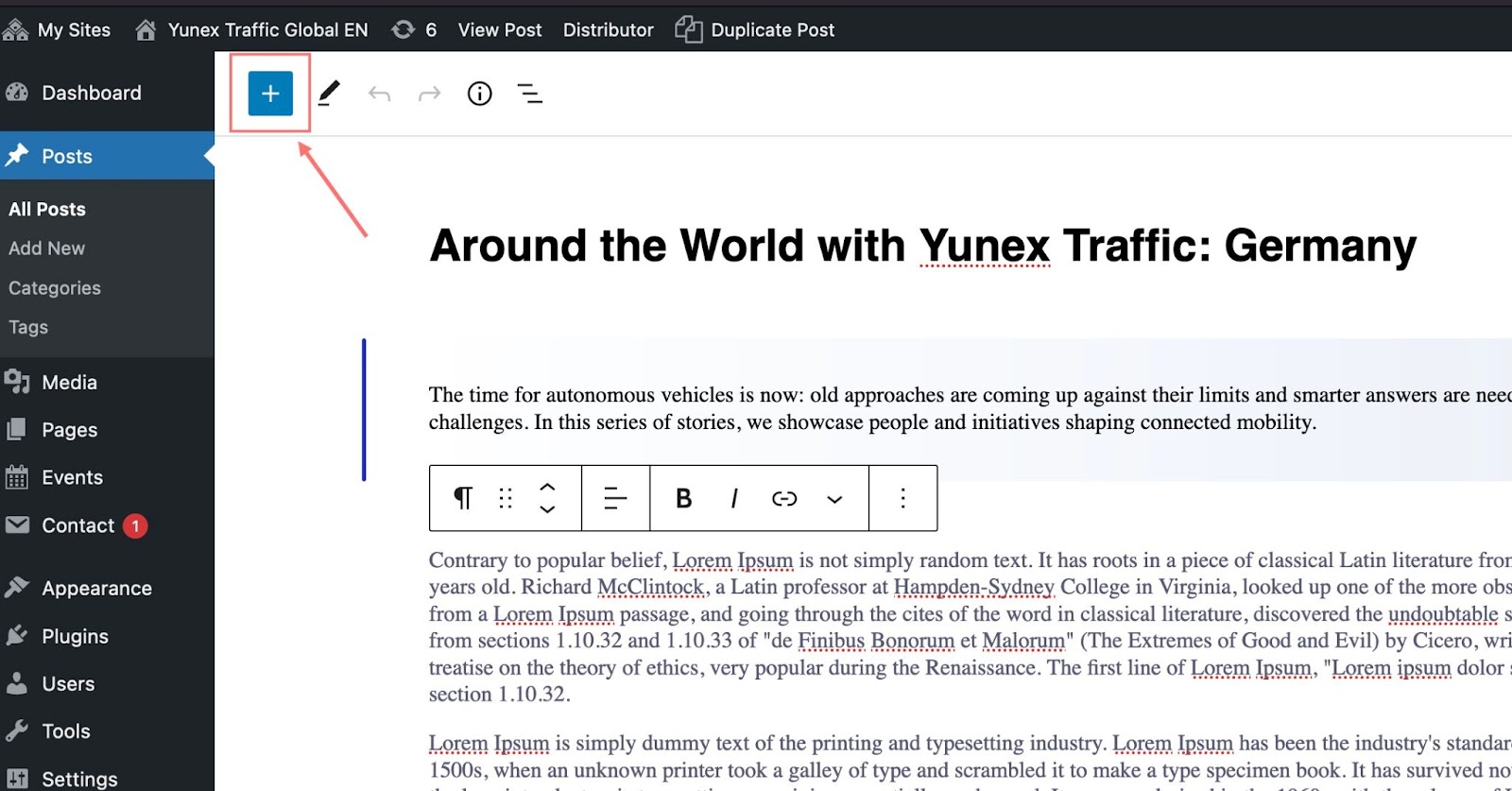
Patterns can be found under the blue “plus” icon (top left corner of the editor), in the patterns tab.